Header
Header
Header is the main site navigation component featuring logo, navigation menu, user actions, and responsive behavior across all device sizes.
Visual Specifications
Section titled “Visual Specifications”| Property | Desktop | Tablet | Mobile |
|---|---|---|---|
| Height | 64-80px | 64px | 56px |
| Padding | 24px horizontal | 16px | 16px |
| Logo Max-width | 140-180px | 120px | 100px |
| Background | White/brand | White | White |
| Shadow | Subtle | Subtle | Bottom border |
Responsive Variants
Section titled “Responsive Variants”Full navigation visible, logo left, actions right

Condensed navigation, some items may collapse
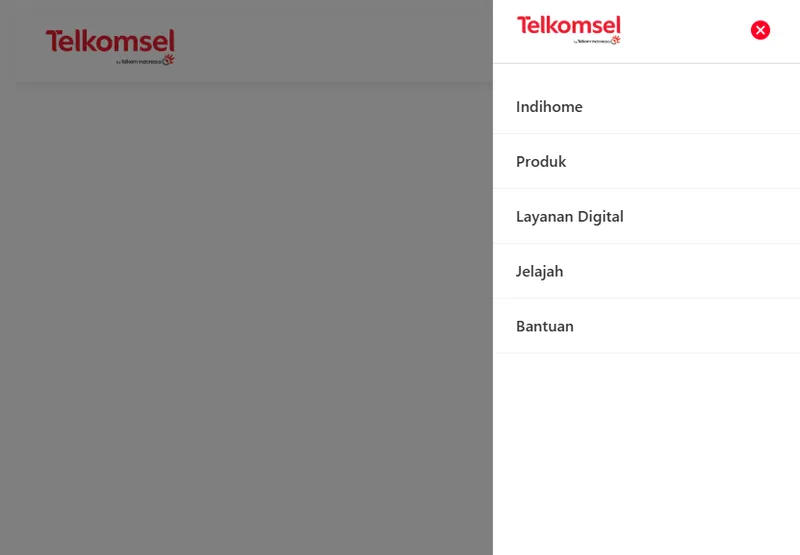
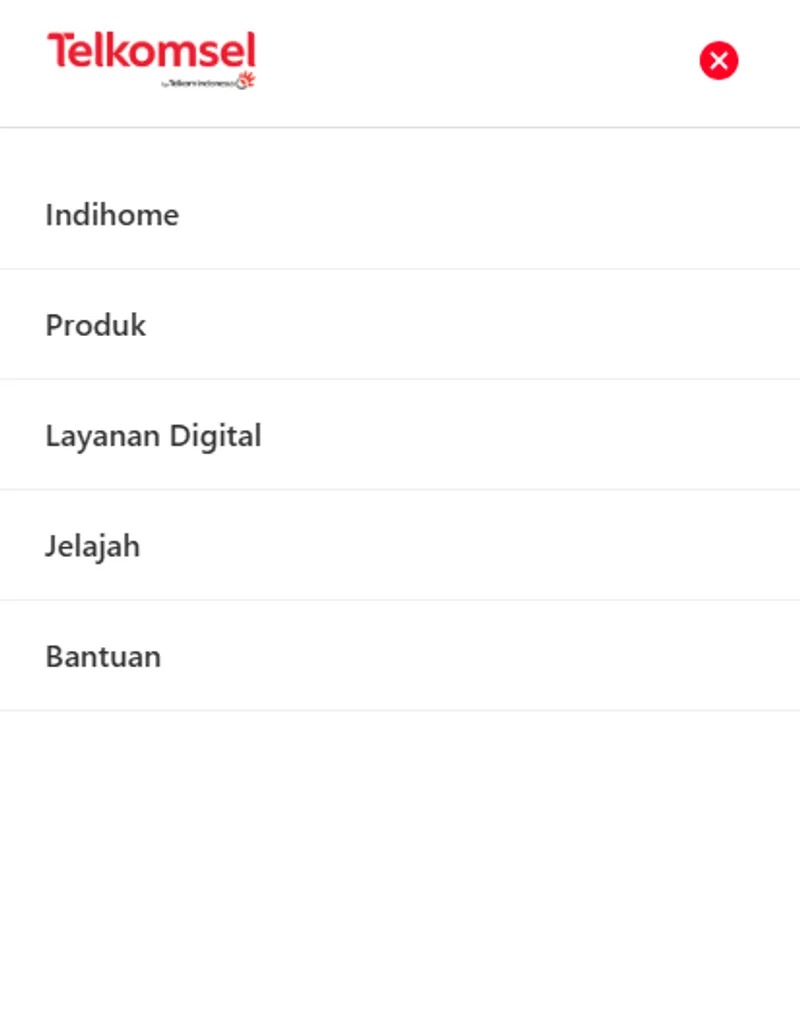
Hamburger menu, full-screen drawer navigation
Layout Patterns
Section titled “Layout Patterns”| Pattern | Description |
|---|---|
| Standard | Logo left, nav center, actions right |
| Centered | Logo centered, nav and actions flanking |
| Minimal | Logo left, minimal navigation only |
Navigation States
Section titled “Navigation States”| State | Appearance |
|---|---|
| Default | Brand or neutral color |
| Hover | Underline or background highlight |
| Active | Bold or indicator shown |
| Current Page | Distinct active state |
Mobile Menu Behavior
Section titled “Mobile Menu Behavior”| Behavior | Description |
|---|---|
| Slide-in | Drawer from left/right |
| Full-screen | Overlay with centered menu |
| Dropdown | Expand from header |
Usage Guidance
Section titled “Usage Guidance”When to use
Section titled “When to use”- Primary site navigation
- All main application pages
- Consistent top navigation across site
Best practices
Section titled “Best practices”| ✅ Do | ❌ Don’t |
|---|---|
| Keep navigation concise | Overload menu items |
| Use clear labels | Cryptic navigation text |
| Show current page | Hide user location |
| Responsive on mobile | Non-functional mobile menu |
| Accessible keyboard nav | Mouse-only navigation |
| Sticky on scroll (optional) | Jumping header position |
Content Guidelines
Section titled “Content Guidelines”| Element | Max Width/Length |
|---|---|
| Logo | 140-180px |
| Nav Items | 5-7 items |
| Nav Text | 15-20 characters |
| User Actions | 3-4 items |
Accessibility
Section titled “Accessibility”- Keyboard navigation through all links
- Accessibility labels for navigation
- Skip to content link
- Proper heading hierarchy
- Focus visible states