File Input
File Input
File Input provides image upload functionality with camera/file selection modal, compression, validation, and preview display.
Visual Specifications
Section titled “Visual Specifications”| Property | Value |
|---|---|
| Button Height | 80-120px |
| Border Style | Dashed border |
| Border Radius | 8-12px |
| Max File Size | 10MB |
| Accepted Types | PNG, JPEG, JPG |
Upload States
Section titled “Upload States”Upload button with placeholder

Spinner shown during upload

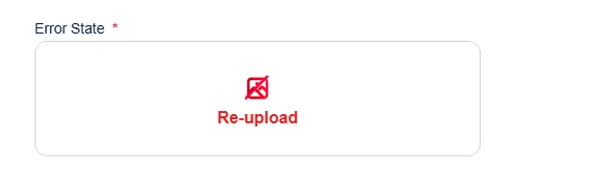
Red border, error message
Validation Rules
Section titled “Validation Rules”| Rule | Message |
|---|---|
| Max size (2MB) | “File size exceeds requirement!” |
| Invalid type | ”Incorrect File Type! Make sure you upload the .jpeg, .jpg, or .png file type.” |
Usage Guidance
Section titled “Usage Guidance”When to use
Section titled “When to use”- Profile photo uploads
- Document uploads (KYC)
- Receipt uploads
- Image-based form inputs
Best practices
Section titled “Best practices”| ✅ Do | ❌ Don’t |
|---|---|
| Show file requirements | Unknown constraints |
| Display preview | Blind upload |
| Handle compression errors | Broken uploads |
| Allow reset/retry | Stuck with bad upload |